Google’s latest Android update is focused on a class of product problems that often receives less attention than performance or new consumer features: making mobile devices easier to use for people affected by motion sensitivity and vision loss.
According to TechCrunch, the update includes features designed to reduce motion sickness and help blind users navigate their surroundings. The changes signal continued investment in accessibility as a core part of the Android experience rather than a narrowly specialized set of settings.
What changed
The update introduces new Android capabilities aimed at two areas:
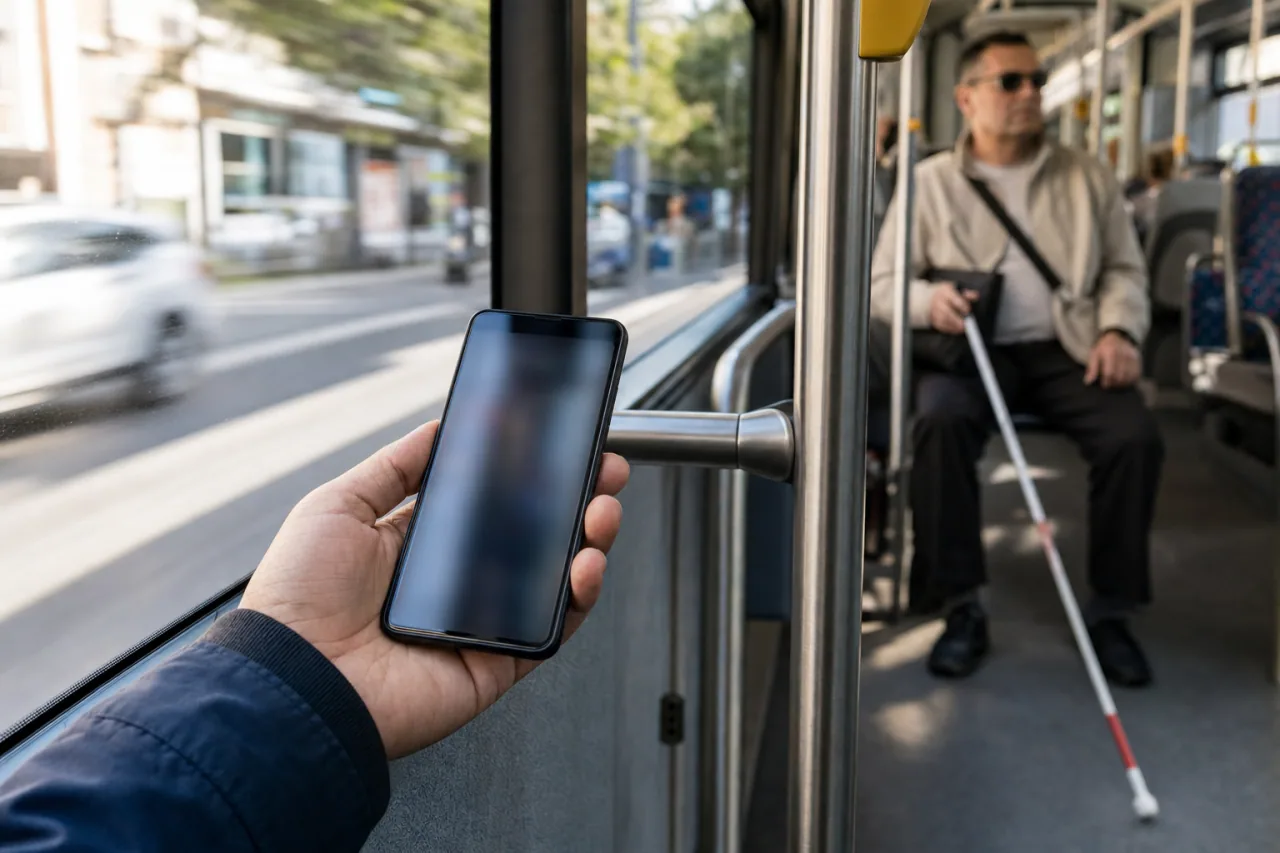
- **Motion sickness:** Features intended to make phone use more tolerable for people who experience discomfort from visual movement.
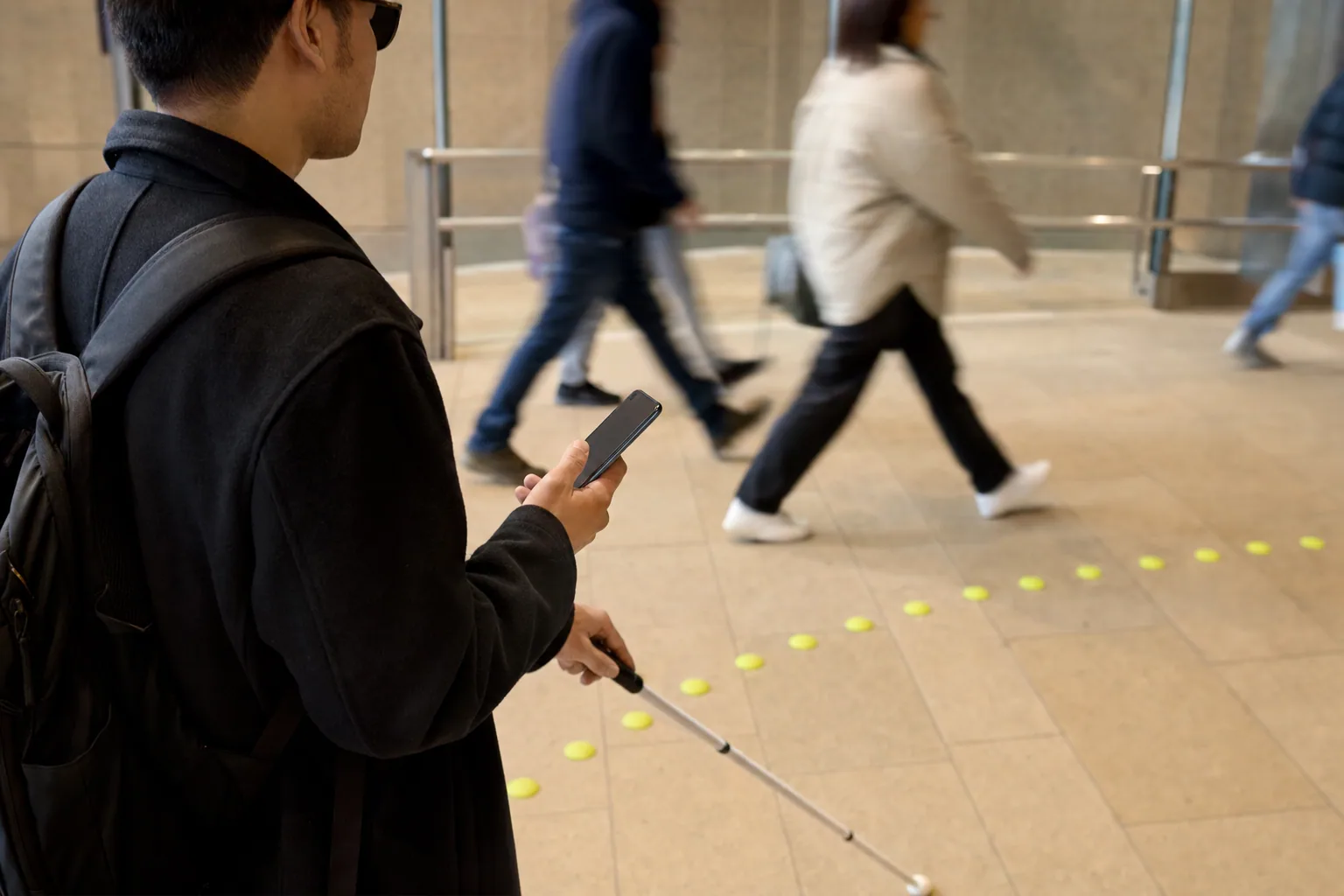
- **Navigation support for blind users:** Tools intended to help blind users understand and move through their surrounding environment.
The source summary does not detail device availability, rollout timing, or the underlying technology used for these capabilities.
Why it matters for product teams
Accessibility features can change how teams think about mainstream product design. Motion-related discomfort, for example, is not limited to a small set of users; it can affect people while riding in cars or other moving vehicles. Designing for it may influence animation, visual feedback, map interfaces, and in-car mobile usage.
For blind users, environmental navigation support points beyond conventional screen-reader functionality. It suggests that smartphones can increasingly serve as tools for interpreting the physical world, not only for accessing on-screen content. That has implications for app makers building travel, retail, workplace, logistics, and location-based services.
For Android partners and developers, platform-level support may reduce the need to build certain accommodations independently. But it also raises the bar: applications that ignore Android accessibility capabilities risk creating inconsistent experiences for users who depend on them.
The operating takeaway
Executives and product leaders should treat this update as a reminder to audit experiences that depend on movement, visual cues, or physical navigation. Useful questions include:
- Does the product remain usable when visual motion is reduced or distracting?
- Can a user complete important flows without relying solely on sight?
- Do location-based experiences provide meaningful information through accessible device features?
- Are teams testing with users who have motion sensitivity or visual impairments?
These are not solely design-system issues. They affect retention, customer support, brand trust, and eligibility for customers in sectors with accessibility expectations.
What to watch next
The key question is how broadly Google makes these features available across Android devices and versions. Adoption will depend on whether the tools work consistently across hardware, whether developers can integrate with them, and whether users can easily discover and configure them.
The broader trend is clear: mobile operating systems are moving accessibility features closer to the center of the product experience. Builders should plan for that shift before accessibility becomes an expensive retrofit.